Unbolt Home
An experimental GPL-3.0 launcher built on AOSP Launcher3, designed around foldable grids and Samsung One UI spacing with backup/restore and optional PolyQon theme syncing. Currently running on our test Fold 6.
why it exists
4x6 grid, vertical app drawer, squircle icons, One UI folder rhythm and a clean dock. Familiar on day one.
Gestures, dock pages, icon swipe actions, backup/restore, hidden apps and notification badges. Nested folders are on the roadmap.
Change the seed in PolyQon and the launcher accent, icon shape and theme follow. No PolyQon? Nothing breaks.
what is in it
A first-class Samsung-style layout and motion, not a Pixel launcher with a theme on top.
Simple by default, advanced when you ask. Presets for One UI, Pixel and Nova power users.
Separate inner and outer layouts, hinge-aware grids, tablet dock and DeX-friendly spacing.
No ads, no trackers, no account. Built on the open-source Launcher3/Lawnchair codebase (Apache-2.0); the fork stays Apache-2.0 and keeps the upstream notices.
The PolyQon module works standalone. If Unbolt Home is installed, it also re-applies the theme on resume.
Layout, folders, gestures, icon pack and per-device overrides in one file. Move phones without starting over.
screenshots
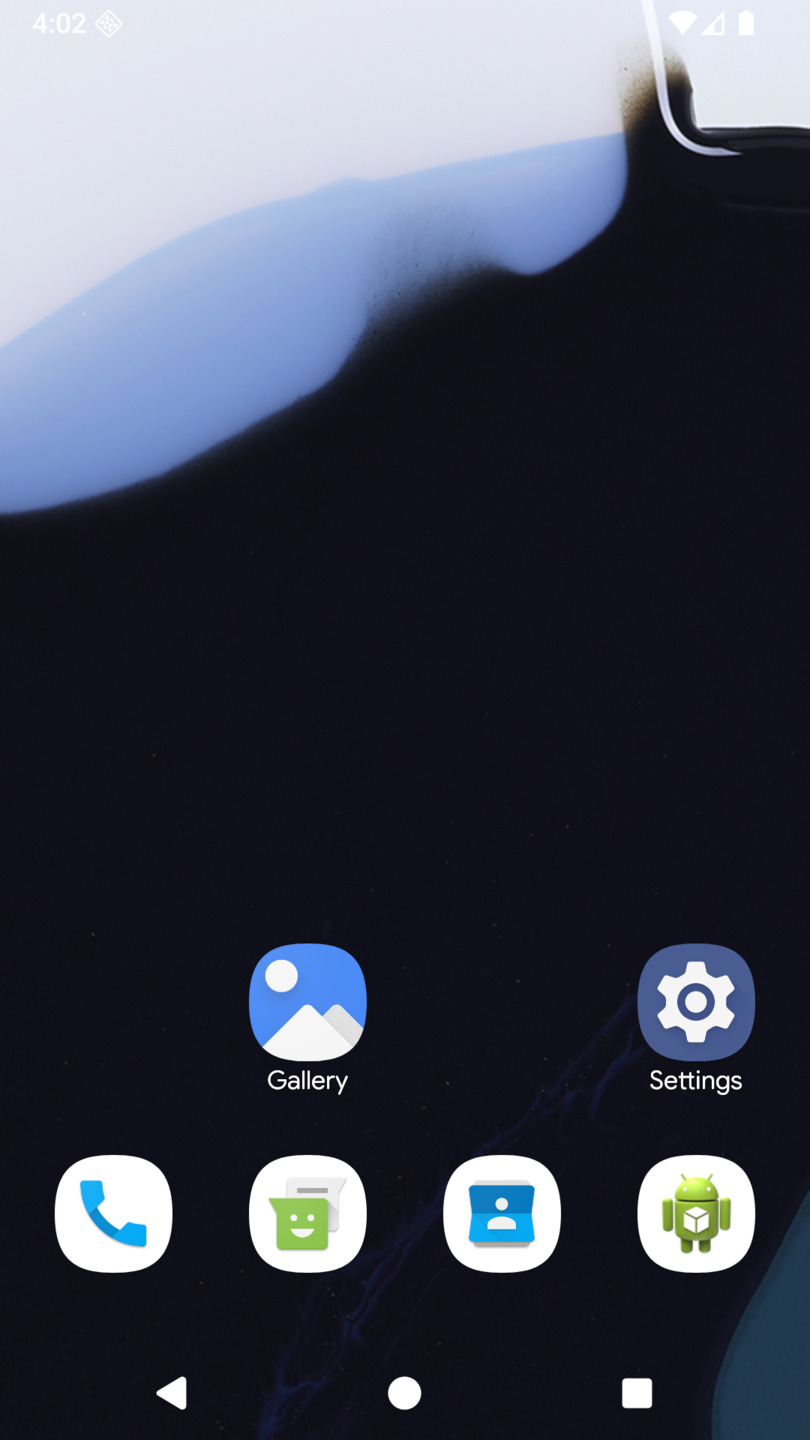
home · 0.13
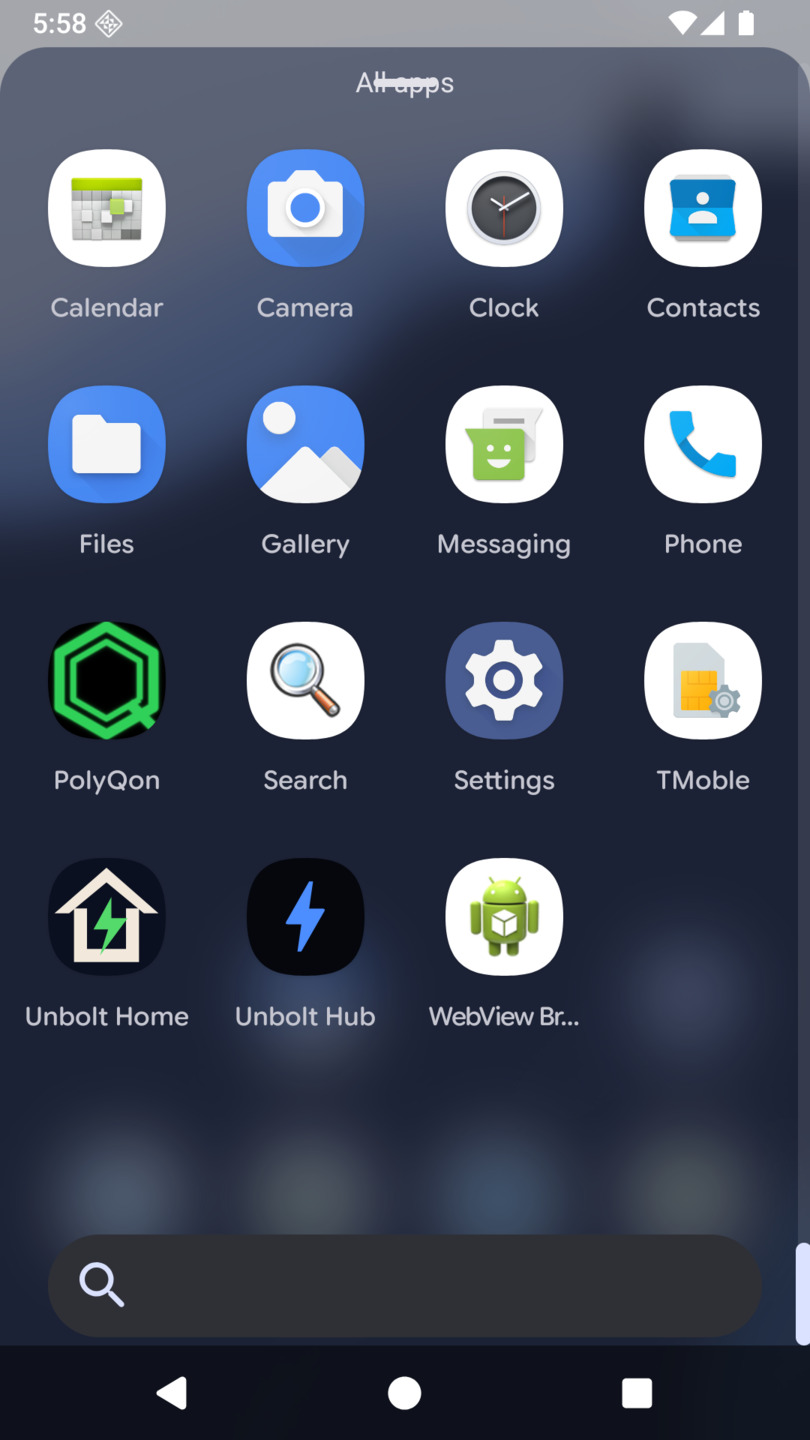
app drawer · 4 columns
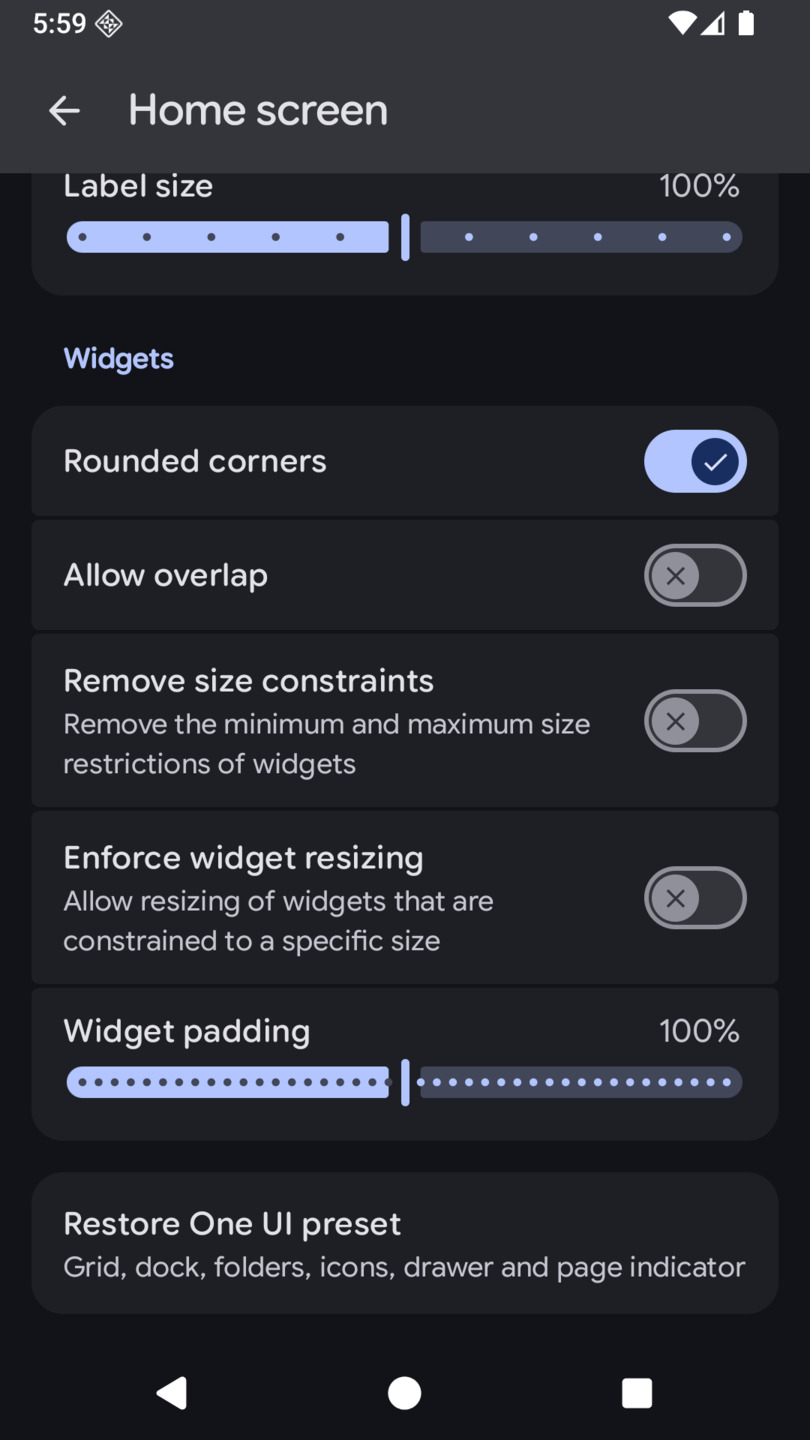
settings · restore preset
polyqon sync
Unbolt Home reads PolyQon's palette from a read-only provider at content://com.polyqon.app.theme/theme. Change the seed in PolyQon and the launcher follows. If PolyQon is not installed, the launcher keeps your manual theme and nothing breaks.
The optional PolyQon Xposed module is standalone: it keeps working with SystemUI and One UI even if you never install a launcher. If Unbolt Home is present, the module binds to its public bridge and re-applies the theme on resume — persistence without process-killer hacks.
roadmap
- Now (0.13.3): One UI preset with 4-column drawer and 3×3 folders, always-visible page indicator, restore-preset action, PolyQon sync, 30 MB R8 release APK, custom icon, six-section settings, One UI folder popup, rounded widgets, bottom drawer search bar, dock width, optional Xposed bridge.
- Next: page indicator position/style, Samsung-like typography, per-ABI release splits, dock spread (proper cell-width model), widget overlap depth, first-run preset chooser.
- Then: nested folders, dock width/spread, widget overlap depth, APK export, Nova backup import.